
Automotive Electronics

HUD GPS Tracker+

Bring an in-car HUD speed display and 4G GPS tracking options into one vehicle project. Review driving information at a glance and select connected location, trip-history and fleet-platform functions for your configuration.
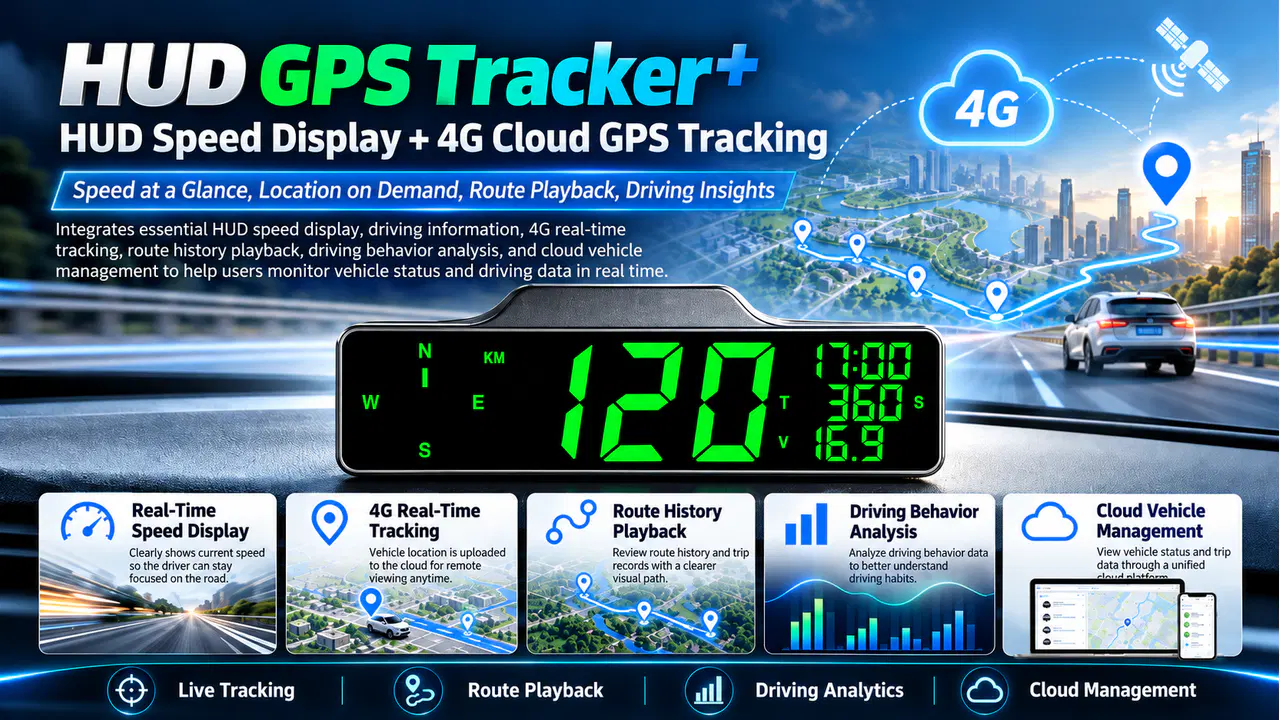
HUD GPS Tracker+ product overview

Key Features

At-a-Glance HUD Display

A compact HUD format puts speed information in an easy-to-view in-car display.

4G Location Options

Discuss remote vehicle location viewing with the selected tracker and connected service.

Trip History Options

Select available route-history and trip-record functions for the platform package.

Vehicle Data and Fleet Access

Discuss supported driving-event information and multi-vehicle access for your project.

Clear In-Car Speed Display

Use the compact HUD display for at-a-glance speed information. Select the display fields and mounting position around the vehicle and driver's view.

HUD GPS Tracker+ speed display artwork with green digits

Remote Vehicle Location over 4G

Discuss a connected GPS configuration for viewing vehicle location remotely. Match the device, SIM service and platform package to the operating market.

HUD GPS Tracker+ source artwork illustrating cloud location tracking

Review Trip Routes and Records

Select available route-history and trip-record functions for reviewing vehicle journeys. Agree the reporting and record-retention settings with the connected service.
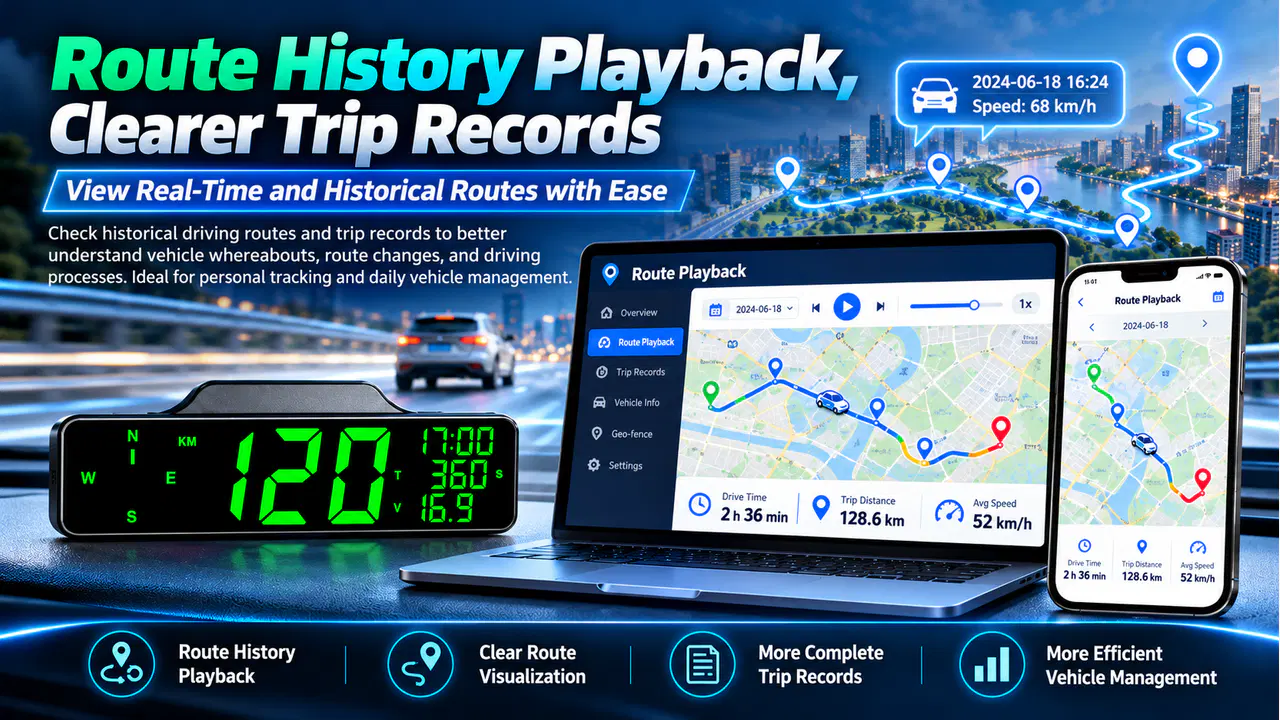
HUD GPS Tracker+ source artwork illustrating route playback

Driving-Data Review Options

Discuss supported acceleration, braking, overspeed and mileage information with KingNeed. Choose the event functions included in the selected device and platform.
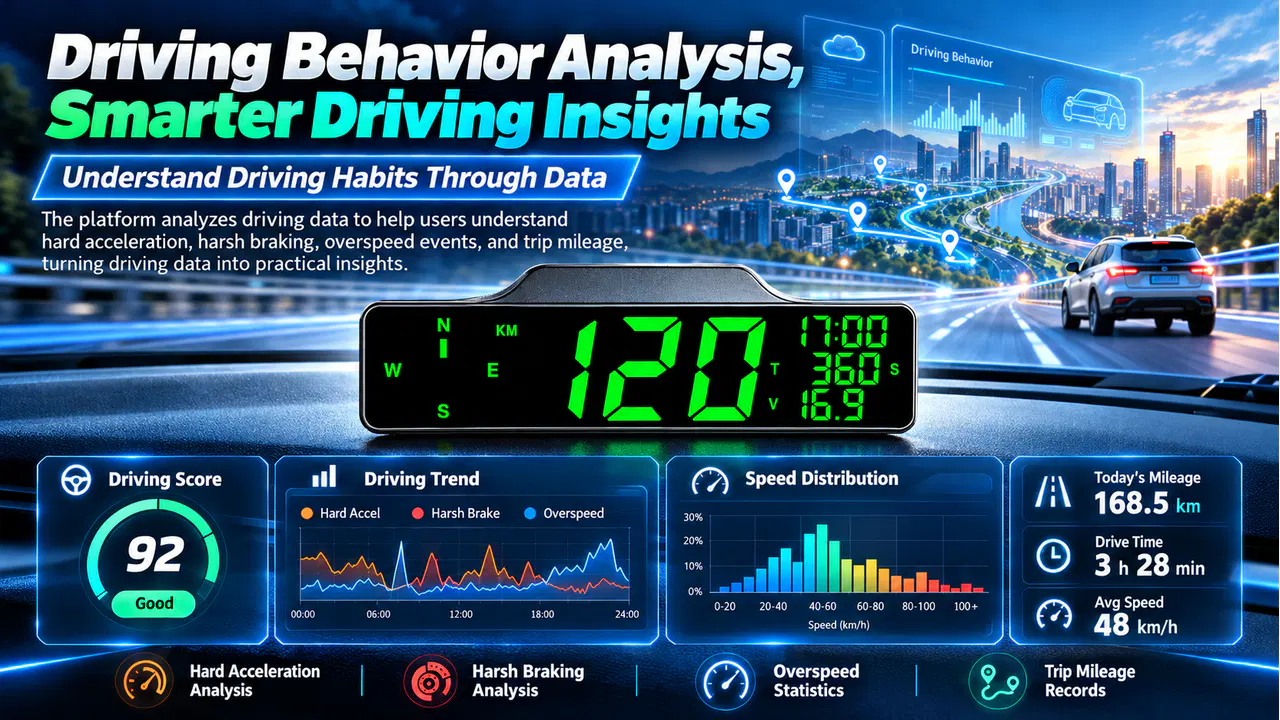
HUD GPS Tracker+ source artwork illustrating driving behavior analytics

Cloud Access for Vehicle Teams

Plan compatible PC or mobile access for vehicle location, trip records and supported driving data. Define the account scope and service package for individual vehicles or a fleet.
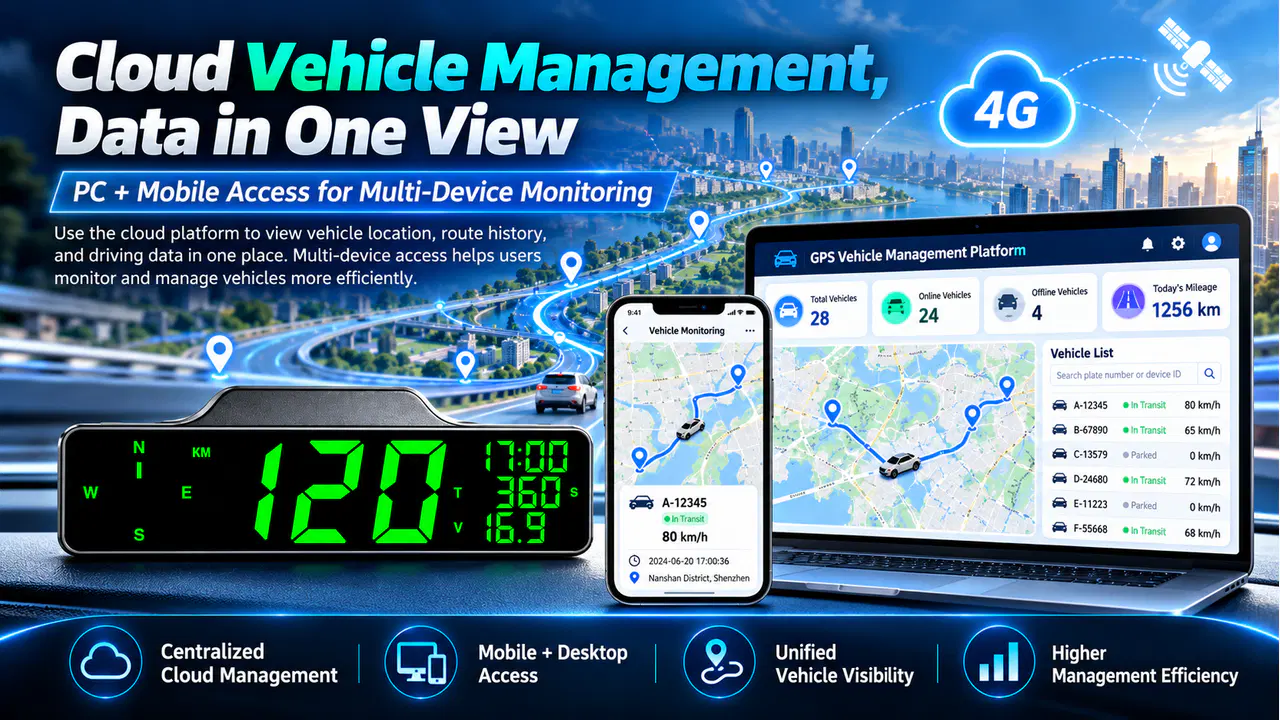
HUD GPS Tracker+ source artwork illustrating PC and mobile vehicle management

PROJECT SUPPORT

Get pricing and technical details

Talk with a KingNeed specialist about the right configuration, integration and delivery requirements for your project.

Request a Quote

GPS Head-Up Display with Vehicle Tracking: Project Guide

GPS head-up display and vehicle tracking combine a driver display with configured 4G location, journey history and fleet views. Review the selected service.

Choose your project configuration

  1. HUD position, driver visibility and displayed information.
  2. Selected 4G tracking, journey and vehicle account functions.
  3. Vehicle power, SIM service and installation arrangement.

For a quotation, share the installation market, planned quantity and site or host-equipment details. Agree the supplied model, interfaces, maintenance access and service scope.

Product and purchasing questions

How does HUD GPS Tracker+ differ from a GPS speedometer?

This page combines the HUD driver display with configured 4G cloud location, history and multi-vehicle views. The related Bluetooth speedometer page focuses on GPS driving information and app journey functions. Compare connectivity and offered functions for the chosen model.

Which driving information does the HUD present?

A compact HUD format puts speed information in an easy-to-view in-car display.

Which connected tracking functions are described?

Discuss remote vehicle location viewing with the selected tracker and connected service.