
PRODUCT SOLUTION A smart fiber resource management system that combines RFID identification, bulk scanning, remote inspection, mobile workflows, and fiber-path visualization. Assign a digital identity to fibers and ports with RFID tags for a clearer resource record. Use the scanning module to identify multiple tagged ports in one operation instead of one-by-one checking. Support scheduled status reporting and resource-data updates through the management platform. Bring on-site connection, tag collection, inspection records, path tracing, and task workflows into one solution. Manual labels and disconnected records can make port status, resource utilization and network changes difficult to trace. Build a structured resource record to support inspection and maintenance workflows. Connect RFID-tagged fiber resources, scanning equipment, communication gateways and management tools in one resource-data workflow. Confirm component selection and interfaces for the intended project. Use bulk scanning to collect identification records from multiple tagged fiber ports. Actual scanning capacity, timing and accuracy depend on equipment configuration and site conditions. Plan inspection tasks and review resource-status reports from the management platform. Define reporting intervals and connectivity requirements during project configuration. Organize the relationships between sites, rooms, devices, ports and fiber routes to support resource queries and path tracing. Accurate views depend on verified physical records and maintained connections. Review connector and link-change notifications within the operational workflow. Supported detection scenarios and alert timing require confirmation for the selected deployment. Combine site and cabinet views, resource queries and inspection tasks across desktop and mobile workflows. Confirm available platform functions and synchronization interfaces for the project. Assess deployment options for ODFs, cross-connect cabinets, splitter cabinets and patch panels. Installation scope and compatibility depend on the existing equipment and site conditions. PROJECT SUPPORT Talk with a KingNeed specialist about the right configuration, integration and delivery requirements for your project.RFID Fiber Asset Management System

Key Features
RFID Asset Identification
Bulk Port Scanning
Remote Inspection Workflows
Mobile and Digital-Twin Tools
Make Fiber Assets Clearly Visible

Digitize Fiber Resource Management
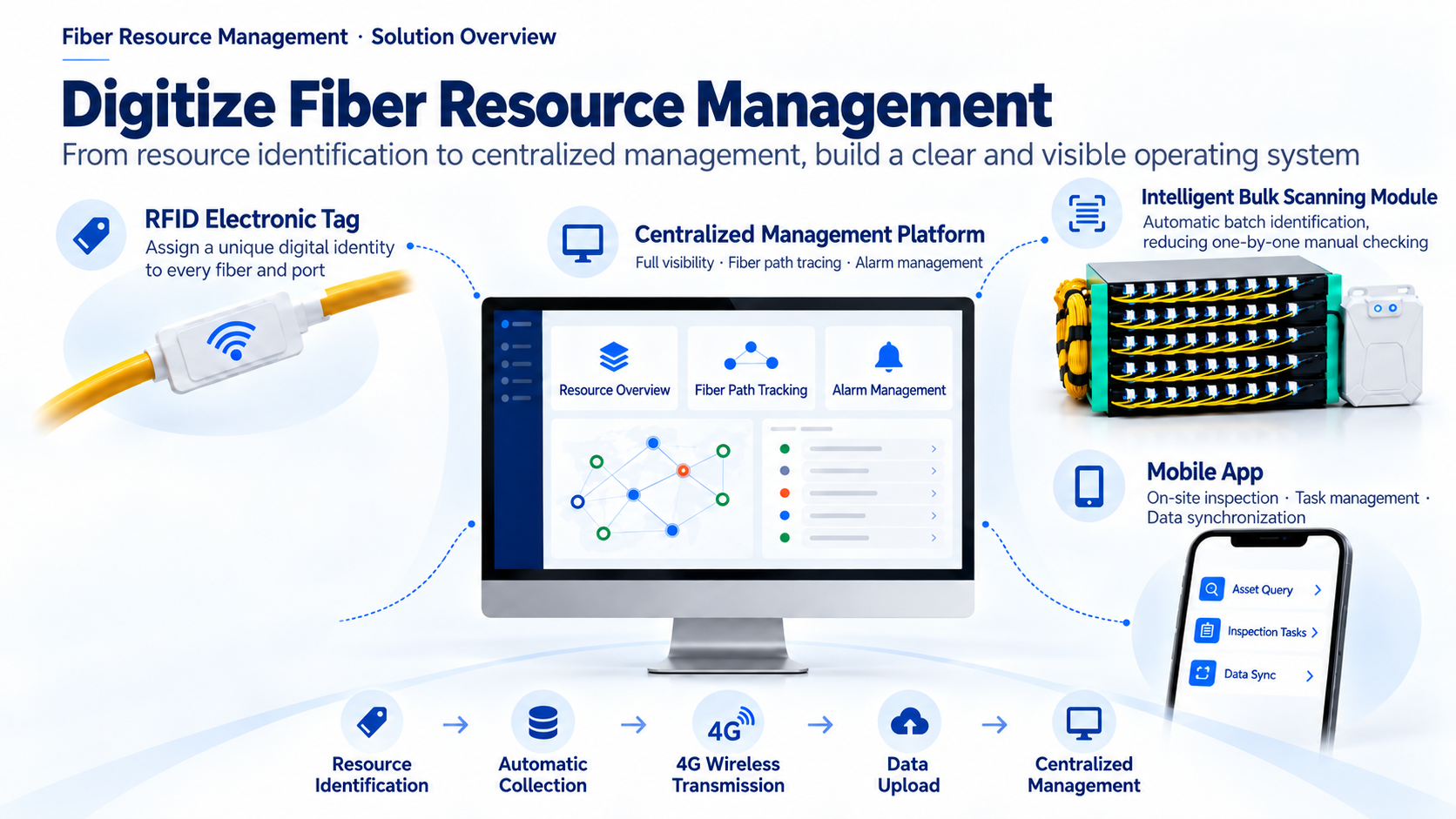
Bulk Port Scanning

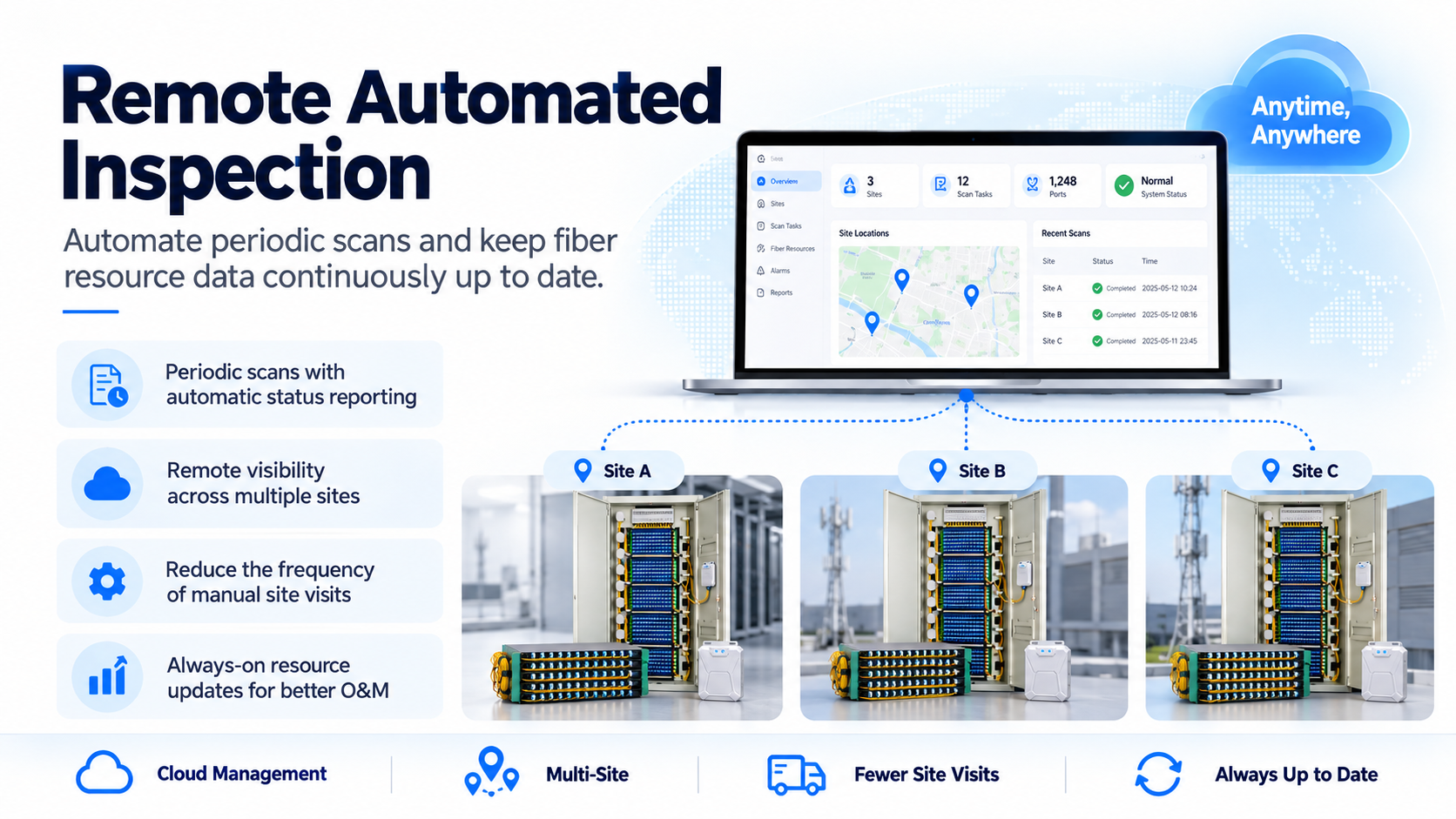
Remote Inspection Workflows
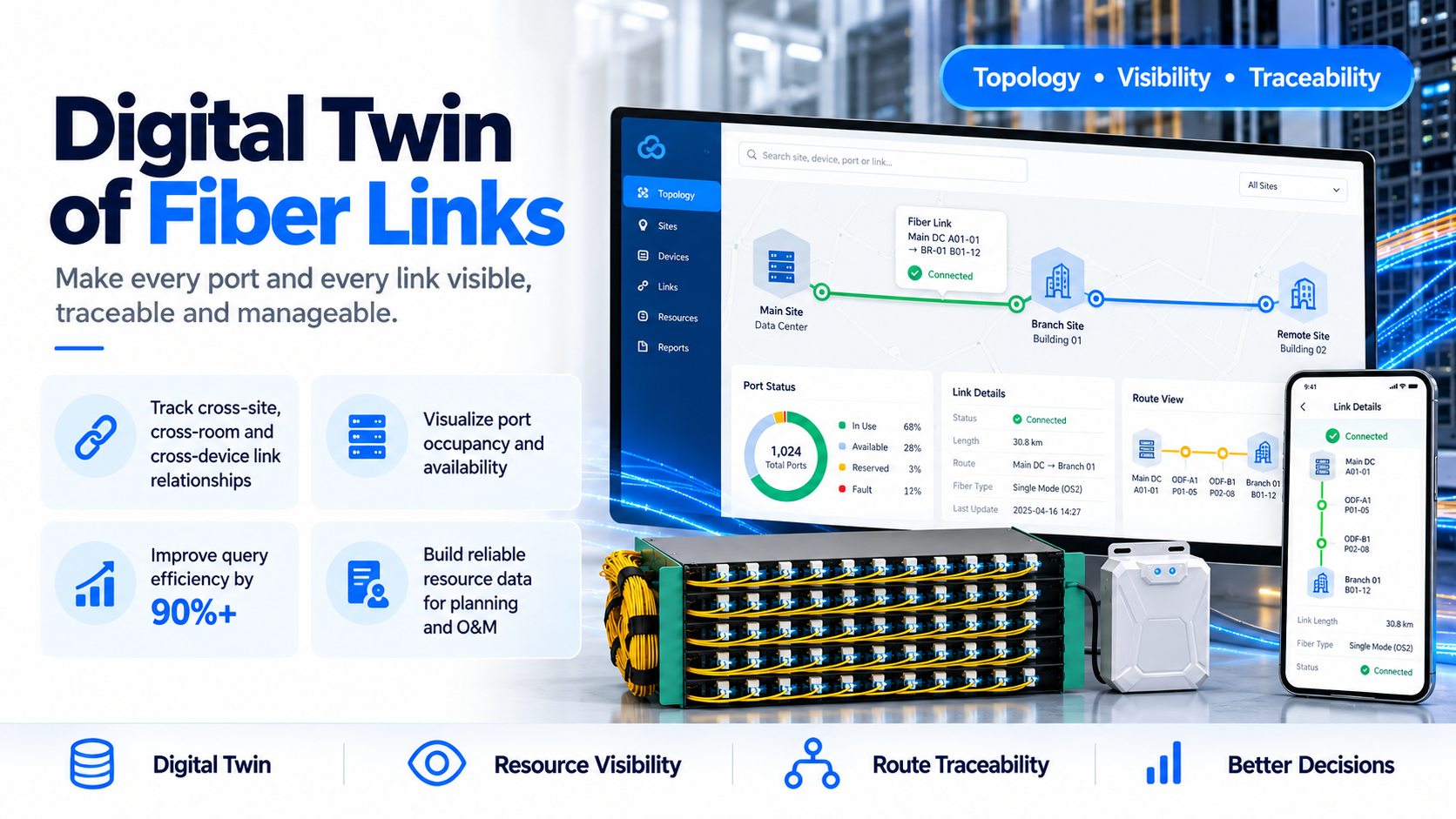
Digital Views of Fiber Links
Fiber-Link Change Alerts

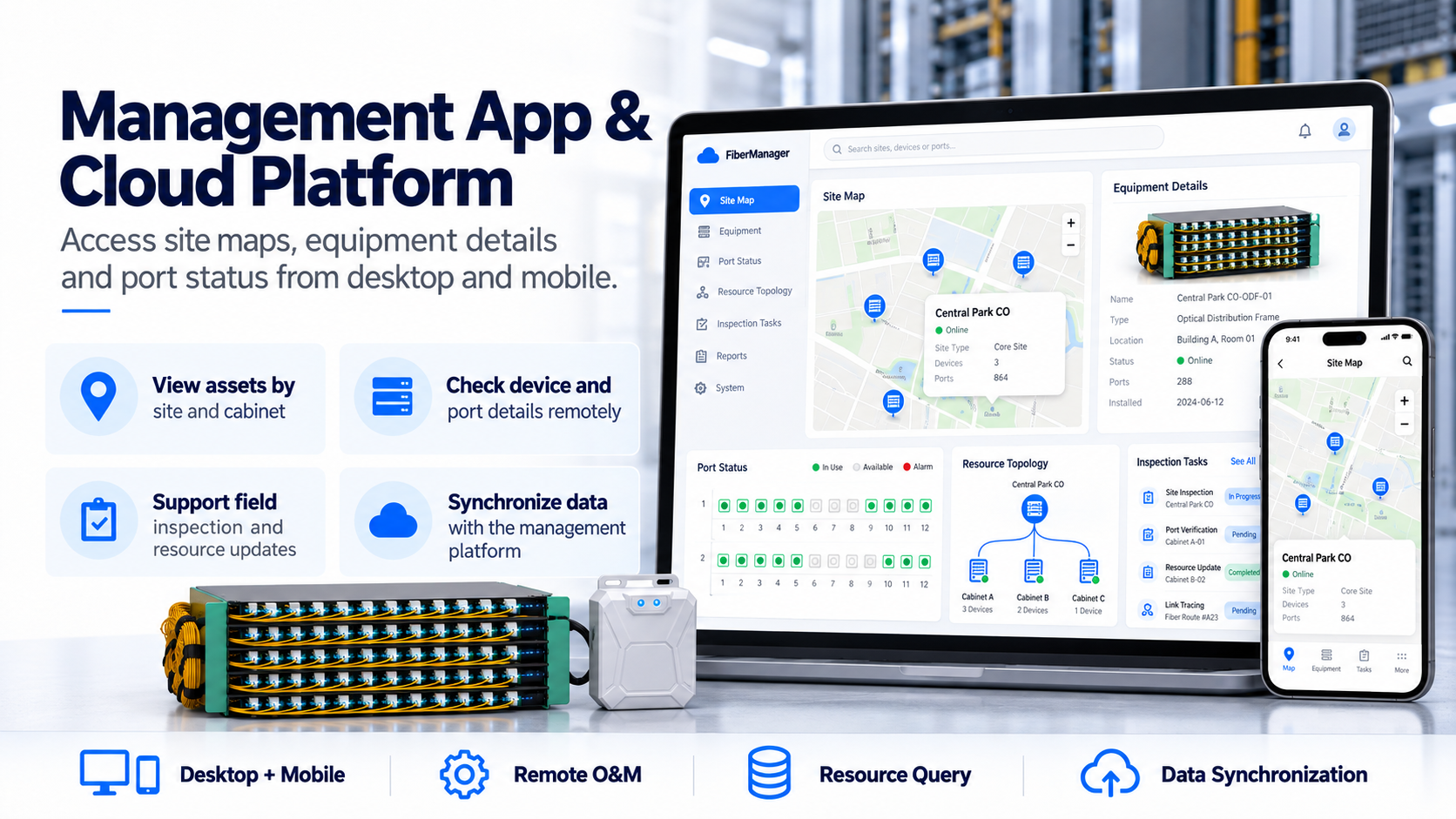
Management App and Platform
Deployment for Existing Fiber Networks

Get pricing and technical details
RFID fiber management: deployment questions
The system combines RFID asset identification, bulk port scanning, remote inspection workflows, and mobile and digital-twin tools. Agree the physical records and field process that will keep fiber information current.
What does RFID identify in this fiber management system?
RFID tags give fibers and ports a digital identity tied to a resource record. The scanning module identifies multiple tagged ports in one operation.
What do the mobile tools cover?
The described workflows include on-site connection work, tag collection, inspection records, path tracing, and tasks. Confirm the offered hardware and platform configuration for your deployment.
Does adding an RFID tag automatically keep every connection record correct?
RFID identification needs a maintained relationship between the tag and the physical resource. Define how technicians verify connections, approve changes, and handle exceptions.
How should an ODF-room pilot be planned?
Select a room or frame, check its physical port and connection records, and agree tagging and inspection workflows. See ODF-room fiber resource management and fiber asset data model planning.
Fiber asset management planning
KingNeed’s RFID fiber asset management system combines RFID identification, bulk port scanning, remote inspection workflows and mobile tools to connect fiber and port identities with maintained resource records.
What to provide for a fiber project review
- ODF or cabinet type, port layout and approximate port count.
- Current resource records and the inspection or connection-change workflow.
- Required platform interfaces and the proposed pilot scope.
Fiber management guides
- Fiber infrastructure and resource visibility
- ODF management and port inventory
- Mobile inspection and fiber cable maintenance
- Fiber network inventory and data models
- RFID vs barcode: site-pilot checklist