
Real-Time GPS Data
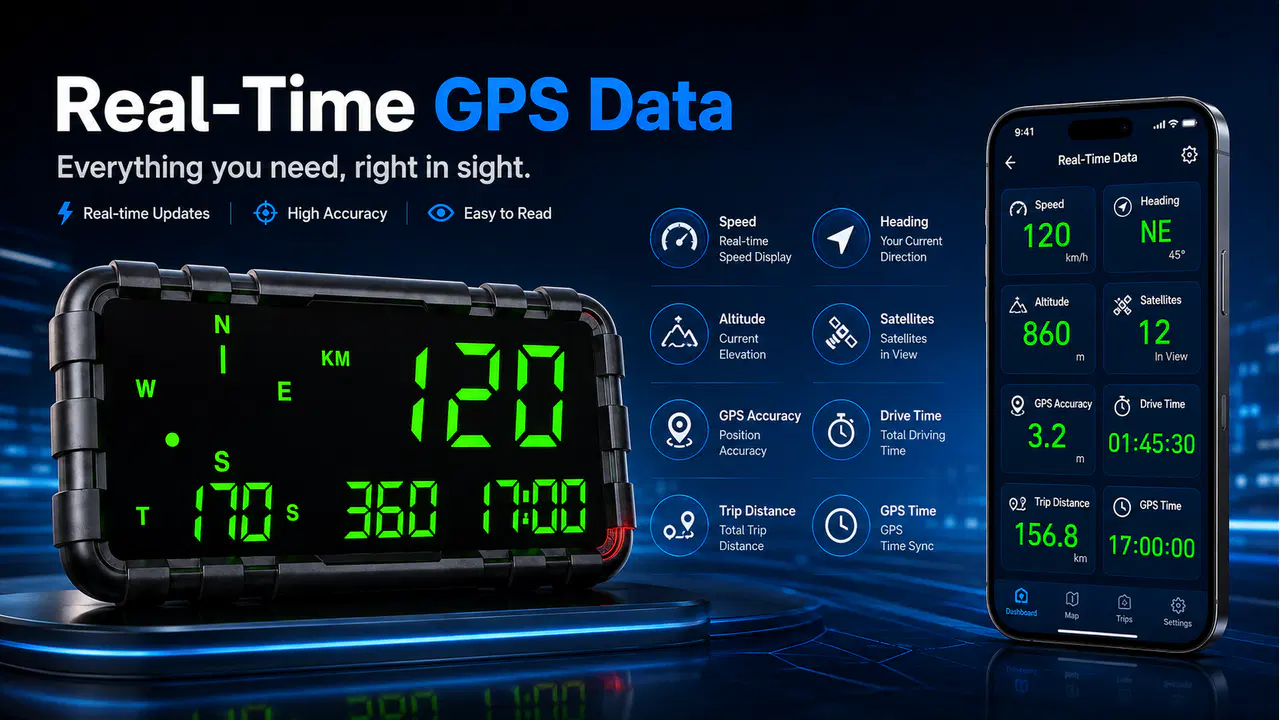
The display and companion app present speed, heading, altitude, satellites, GPS accuracy, drive time, trip distance and synchronized GPS time.
Products
A plug-and-play GPS speedometer with real-time driving data, automatic trip records, route playback, overspeed alerts and app-based journey insights for 12V and 24V vehicles.

The display and companion app present speed, heading, altitude, satellites, GPS accuracy, drive time, trip distance and synchronized GPS time.
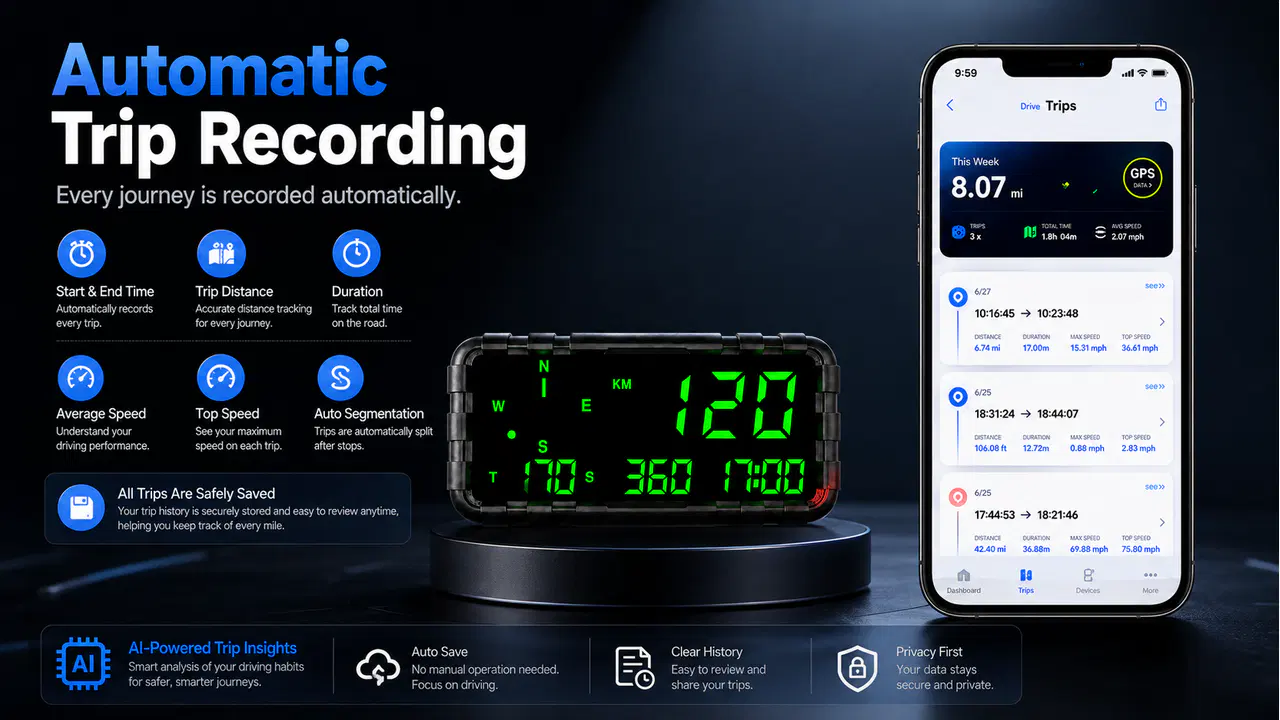
Journeys are recorded with start and end time, distance, duration, average speed and top speed for later review.
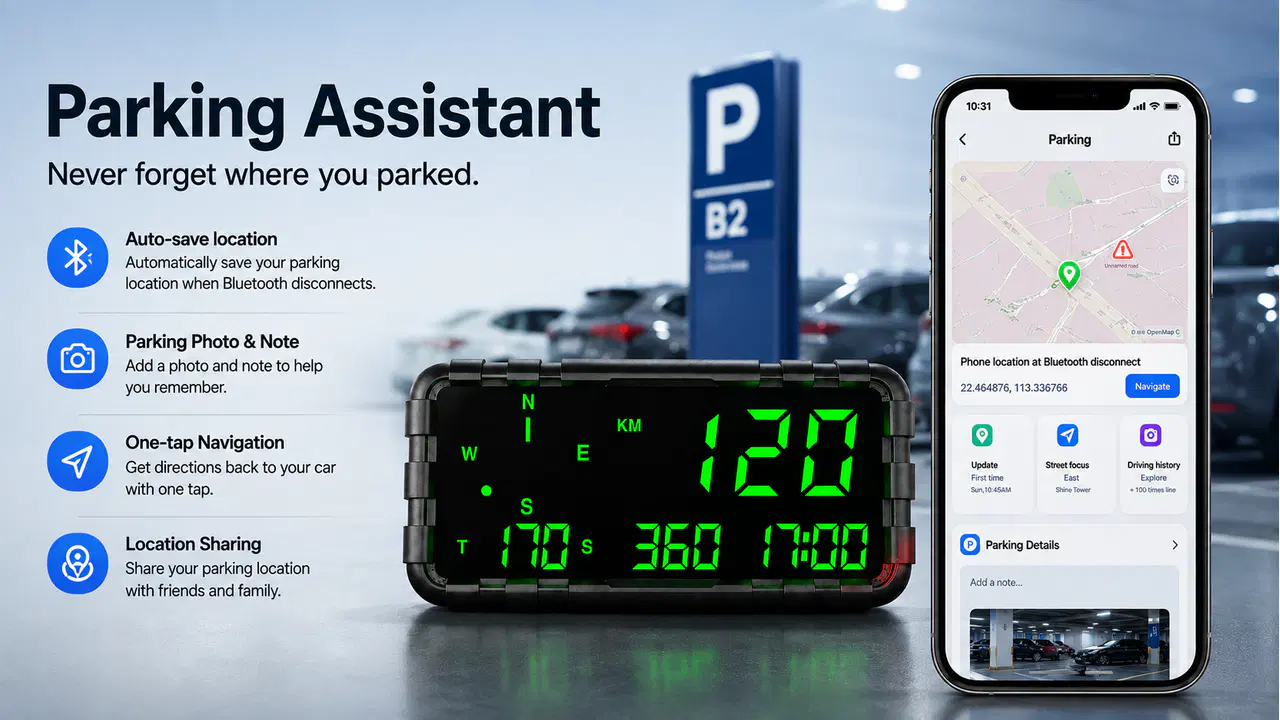
Route playback, live journey sharing and automatic parking-location saving help drivers review trips and return to a parked vehicle.
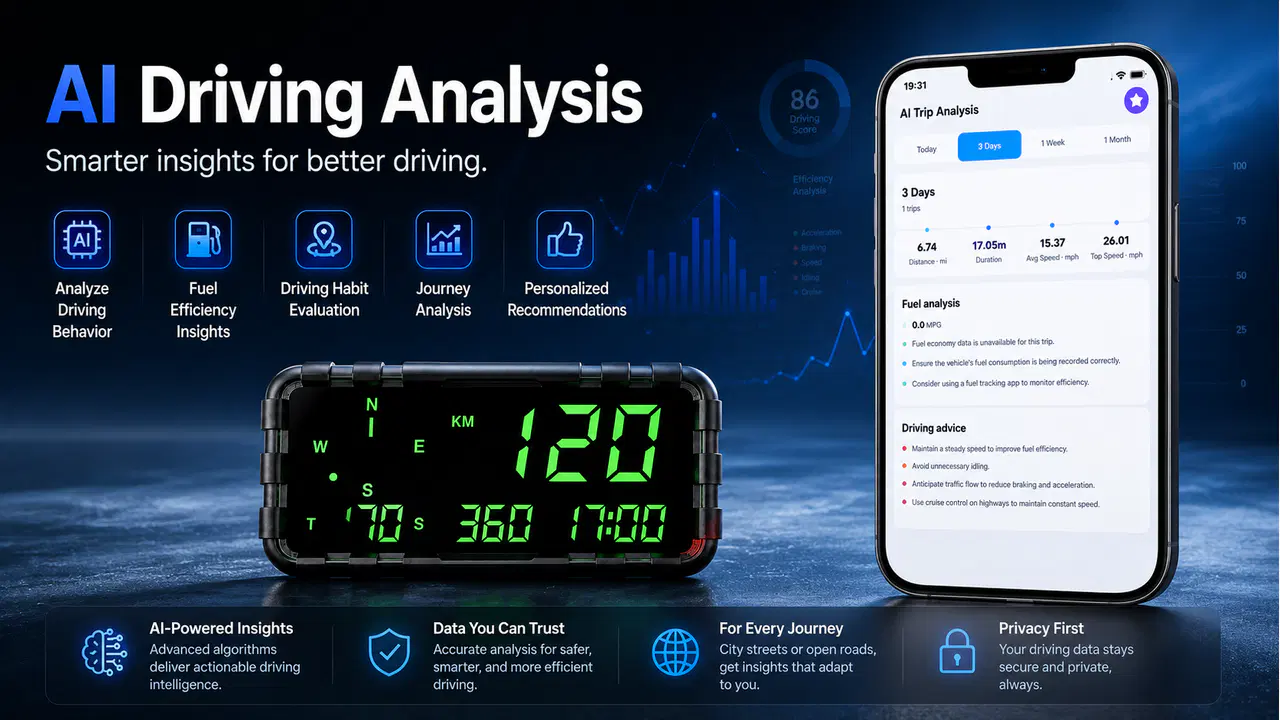
The app combines driving-behavior analysis, fuel and cost records, journey analysis and personalized recommendations in one connected experience.
The GPS speedometer provides an easy-to-read in-vehicle display while the app organizes real-time speed, heading, altitude, satellite count, GPS accuracy, driving time, trip distance and GPS time. This dual-display approach keeps essential journey information visible on the road and available in a structured mobile interface.
Each journey can be recorded automatically with start and end time, trip distance, duration, average speed and top speed. Saved trip history gives drivers a convenient record for reviewing past journeys without manually entering every route.
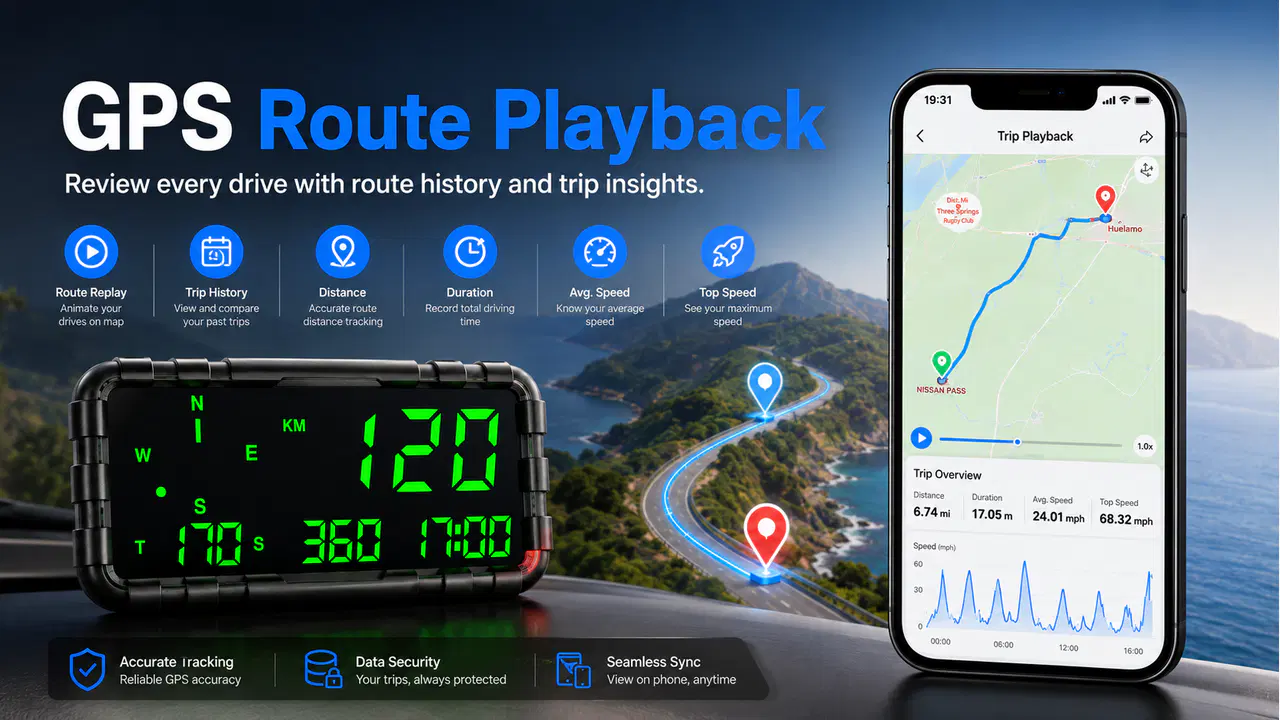
Route playback combines mapped trip history with distance, duration, average speed, top speed and a time-based speed chart.
Drivers can set a speed threshold and receive a real-time warning when the limit is exceeded. The app records overspeed count and duration and presents a post-drive summary to support safer, more informed driving habits.

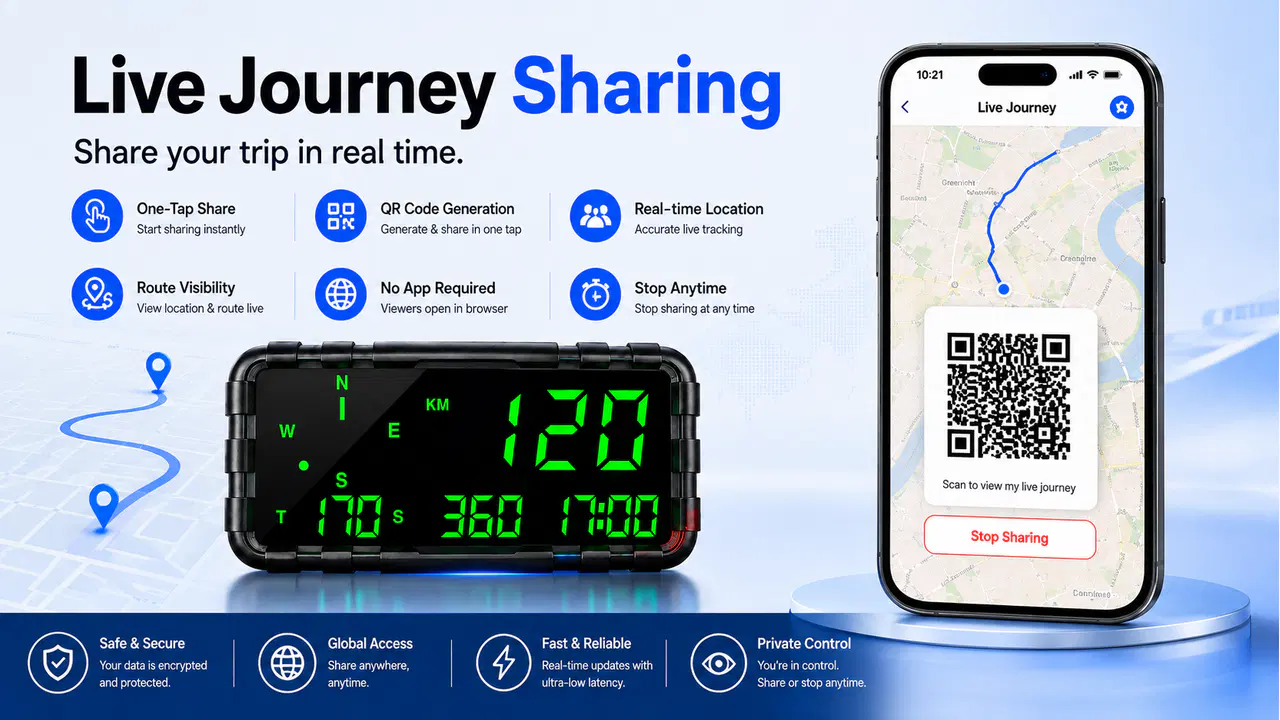
A live journey can be shared through a generated QR code, allowing viewers to follow the route in a browser without installing the app. The driver remains in control and can stop sharing at any time while encrypted journey data supports a private sharing experience.
When the Bluetooth connection ends, the app can automatically save the parking location to help the driver find the vehicle later.
The app supports fill-up records, real fuel economy, mileage statistics, fuel-cost analysis and day, week, month or year reporting. Trend views help drivers organize fuel, mileage and expense information alongside their journey records.

AI driving analysis brings together driving behavior, fuel-efficiency insights, habit evaluation, journey analysis and personalized recommendations. The app presents actionable journey information intended to help drivers understand patterns and make more informed driving decisions.
PROJECT SUPPORT
Talk with a KingNeed specialist about the right configuration, integration and delivery requirements for your project.
Use this proposed evidence worksheet alongside the existing guide above. It adds review records, not new product specifications or an installation procedure. Populate only from the actual project documents and leave unresolved entries visibly open.
For the applicable product context, see HUD Talk+ GPS HUD and Convoy Communication System. Confirm the offered configuration and documents with the responsible supplier.
Record the actual HUD model, vehicle context, app version and supplied instruction reference. Keep setup questions attached to that identity. A related display or tracking product is not evidence that every unit shares installation requirements.
Request review of the proposed mounting position against supplied instructions, visibility and access needs. Retain the responsible party's decision. Do not assume any dashboard position is acceptable simply because the unit fits physically.
Keep power and setup instructions beside the observed behavior record. Ask the responsible provider which approved checks apply. This worksheet supplies no electrical work, reset sequence or universal setup remedy.
Record the displayed condition and context in which it occurred, with available evidence. Separate an intermittent observation from a diagnosed cause. Do not infer that a signal concern must be caused by one component or setting.
Send the model and app context, instruction reference and permitted screenshots to the support reviewer. Avoid including private journey information unnecessarily. An evidence pack makes review clearer but does not guarantee a repair.
Retain approved settings, accepted setup decisions and open questions in the device record. Keep journey and driving functions in the existing product description. Do not import convoy or tracker functions as troubleshooting steps.
Use one row for each review topic. Replace the pending entries only when the applicable document and reviewer decision are available. A planned action is not completed evidence; an unresolved requirement remains open even when another row has been accepted.
| Review topic | Actual evidence / document revision | Responsible reviewer | Agreed decision / status | Unresolved question |
|---|---|---|---|---|
| Identify model and documents | Pending project evidence | To be assigned | Open — not reviewed | Record the missing confirmation |
| Mounting review | Pending project evidence | To be assigned | Open — not reviewed | Record the missing confirmation |
| Power/setup evidence | Pending project evidence | To be assigned | Open — not reviewed | Record the missing confirmation |
| Signal observation log | Pending project evidence | To be assigned | Open — not reviewed | Record the missing confirmation |
| Support evidence | Pending project evidence | To be assigned | Open — not reviewed | Record the missing confirmation |
| Setup closure | Pending project evidence | To be assigned | Open — not reviewed | Record the missing confirmation |
Send KingNeed the operating country, selected equipment/host details, actual site conditions, required functions and unresolved questions. Request the model-specific documents and confirm supply, installation, operating and service responsibilities. Do not imply a confirmed contract or free support.
Review HUD Talk+ GPS HUD and Convoy Communication System and contact KingNeed with the available project evidence.
For related questions: