
PRODUCT DIRECTORY
Fire Safety & Security
4 products
Campus Emergency Alarms
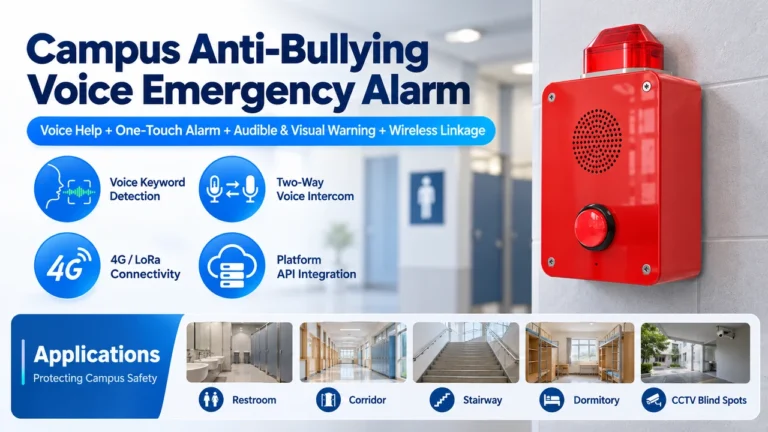
Campus Anti-Bullying Voice Emergency Alarm
Practical review worksheet: Campus Emergency Alarm Planning Use this proposed evidence worksheet alongside the existing guide above. It adds review records, not new product specifications or an installation…
View product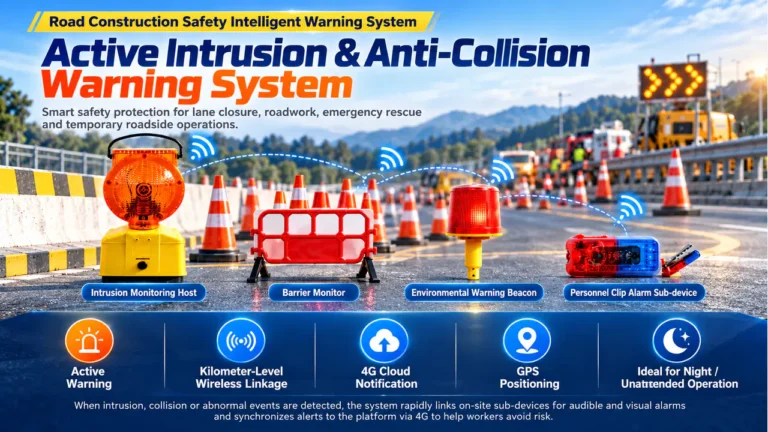
Fire Safety & Security
Road Construction Active Warning System
Road Construction and Work-Zone Warning: Project GuideRoad-work warning equipment combining a roadside host, wearable alerts and beacons for a configured construction-zone deployment.Choose your project configurationRoad-work zone layout and…
View product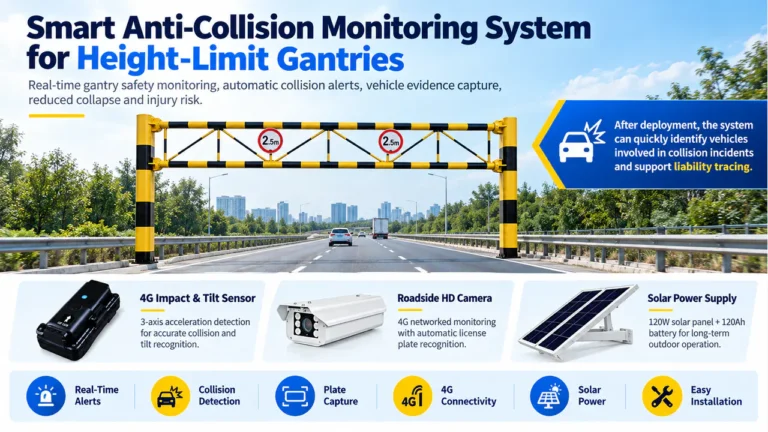
Fire Safety & Security
Overheight Gantry Collision Monitoring System
Gantry collision monitoring system: project guideGantry collision monitoring with configured impact or tilt sensing, event cameras and cloud records for road infrastructure.Choose your project configurationGantry structure and impact…
View productPlanning your security and warning equipment inquiry
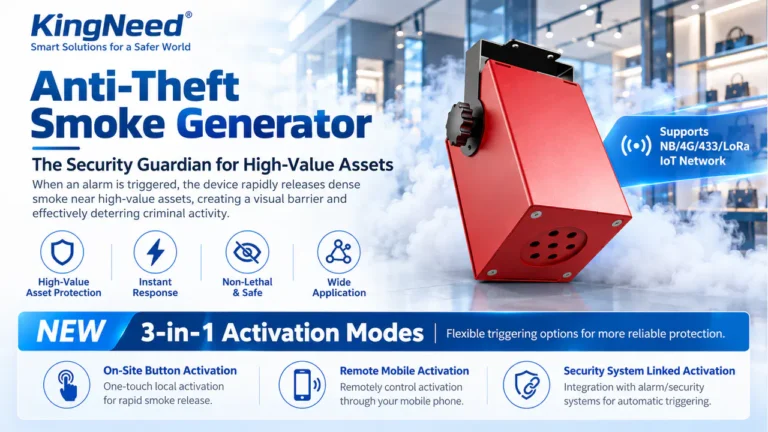
The directory label groups different security and warning applications; it does not establish that every item performs a fire-system function. KingNeed describes the Anti-Theft Smoke Generator as security fog used alongside an intruder alarm. Do not substitute that description for fire smoke-control or ventilation design. Review the application and the individual equipment scope separately.
The Fire Safety & Security directory provides navigation to KingNeed product pages covering Anti-Theft Smoke Generator, Campus Anti-Bullying Voice Emergency Alarm, Road Construction Active Warning System, and Overheight Gantry Collision Monitoring System. Use those pages as the starting point for the selected equipment description. This category introduction is a navigation and project-planning aid, not a combined specification for everything listed here.
Before requesting a quotation, identify the product or category you are considering, the intended application, the installation country and the quantity. Describe the site and the functions you need, and identify questions that the published page does not settle. Keep the requested equipment scope separate from local works and any existing equipment you plan to retain.
Compare the relevant product description with your project brief, then ask KingNeed to confirm the proposed configuration and supply scope. Do not treat a directory card, illustration or category label as a model-specific technical approval. Use the contact page to send the project details and request the documentation relevant to the equipment under discussion.